
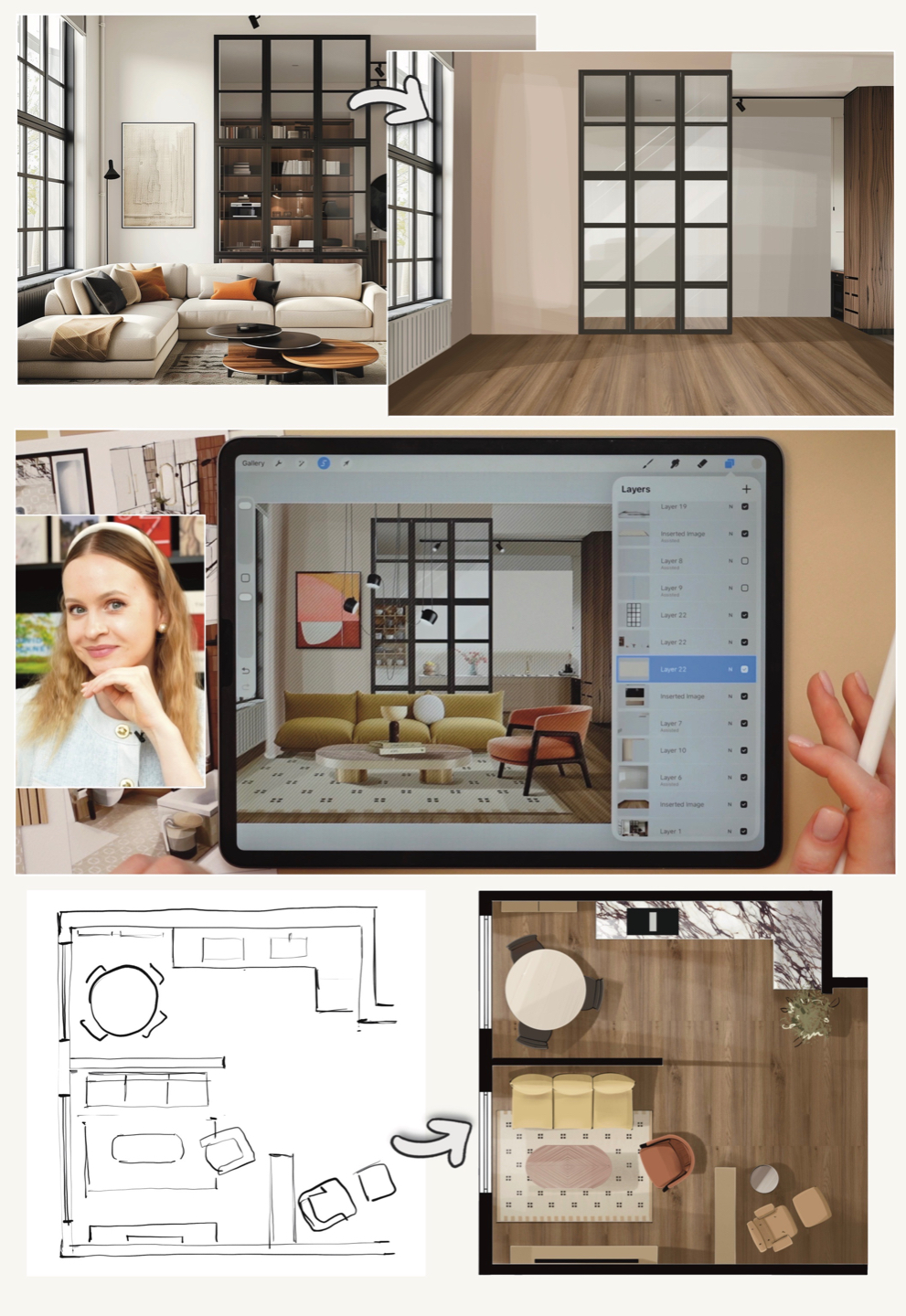
The FASTEST interior design method on iPad ↓
Design Your Space in One Day — Using Only Your iPad
Plan the layout, test furniture, colors and ideas before you buy anything.
No complicated design software.
No perfect drawing skills.
No expensive render just to test an idea.
No hiring someone just to “see how it might look.”
Follow my step-by-step method using your own room, even if you've never used Procreate before.
DESIGN MY SPACE →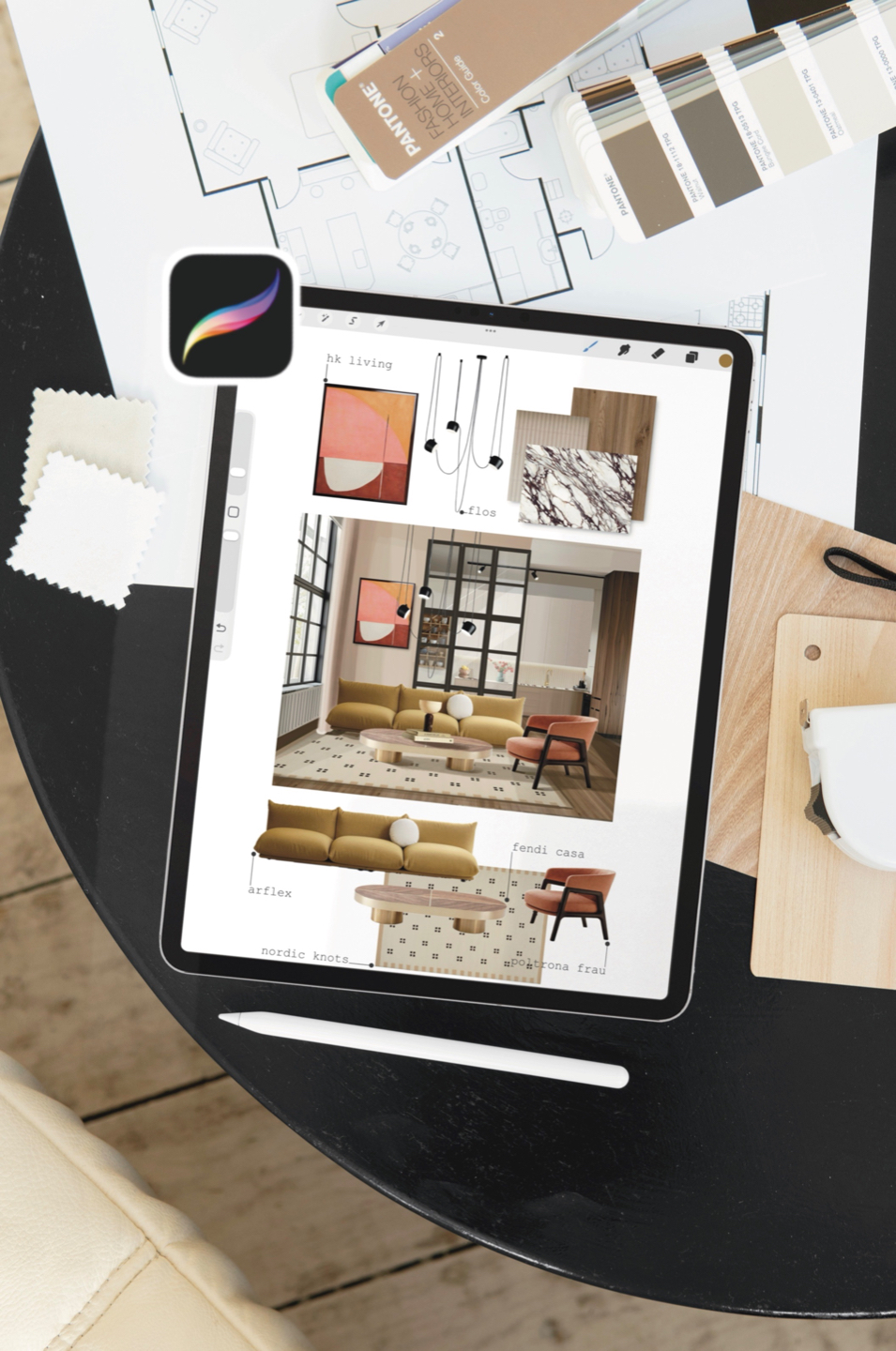
Have ideas for your space, but wish you could actually...
SEE them?
You're changing a room and wish you could SEE it before buying furniture or painting the walls.
You have an iPad, but no idea how to actually use it to design your home.
You have Pinterest boards and ideas, but struggle to bring everything together visually.
You want to try your own interior ideas — without complicated software, perfect drawing skills, or paying someone just to show you what they could look like.
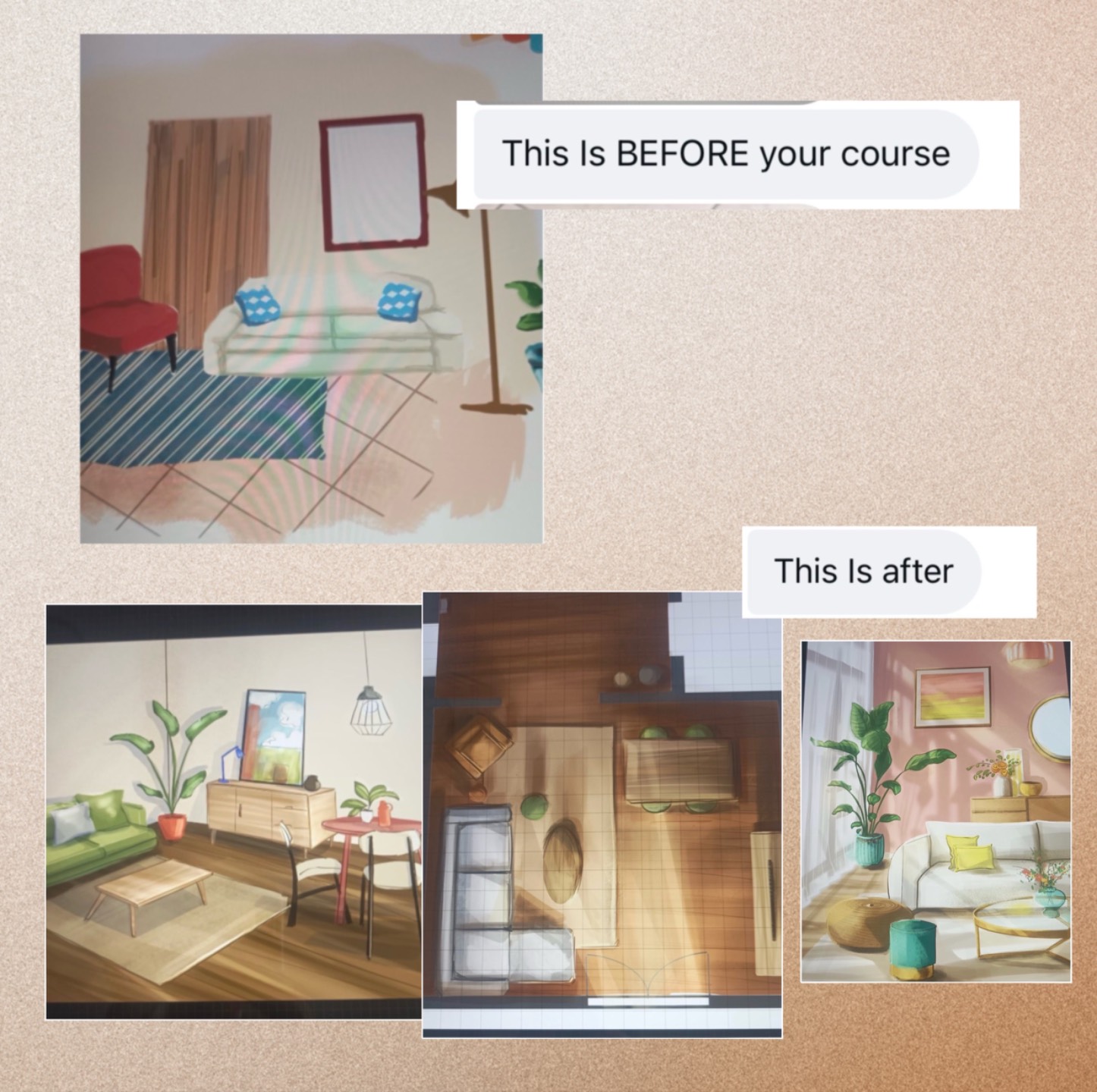
From the room you have → to the room you're imagining
I'll take you through the exact process on screen, step by step,
so you can repeat it with your own room.
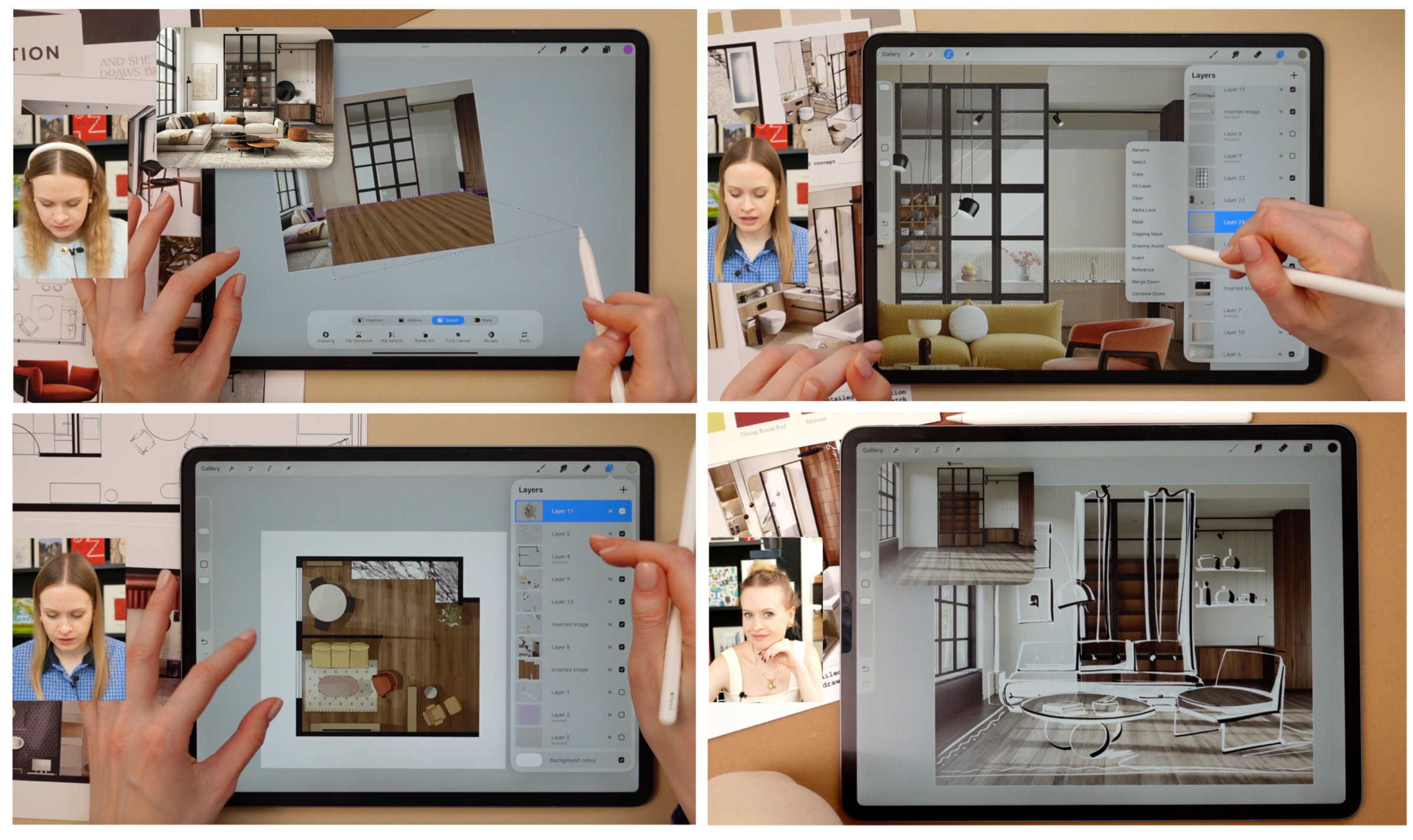
✔ Take a photo of your own room and start redesigning directly over it
✔ Try different wall colors, materials and furniture before changing anything for real
✔ Create a floor plan to scale and test multiple furniture layouts
✔ Use my ready-made furniture library instead of drawing everything from scratch
✔ Quickly scribble your own furniture and ideas when you want to
✔ Turn your rough design into an AI render when you want a more realistic view
✔ Compare your options and make more confident decisions before spending money
✔ Learn only the Procreate tools you actually need — even if you've never opened it before
This is NOT a drawing course.
You don't need to spend weeks learning perspective, shading or how to create beautiful interior illustrations.
This is the method I wish I had when I started interior design.
A fast, visual way to get an idea out of your head and onto your iPad while you're still thinking: Move the sofa. Try another layout. Change the wall color. Add a material. Scribble an idea. Test another option. Change your mind? Change the design in seconds.
Because at this stage, your design doesn't need to look perfect.
It just needs to help you see what works.
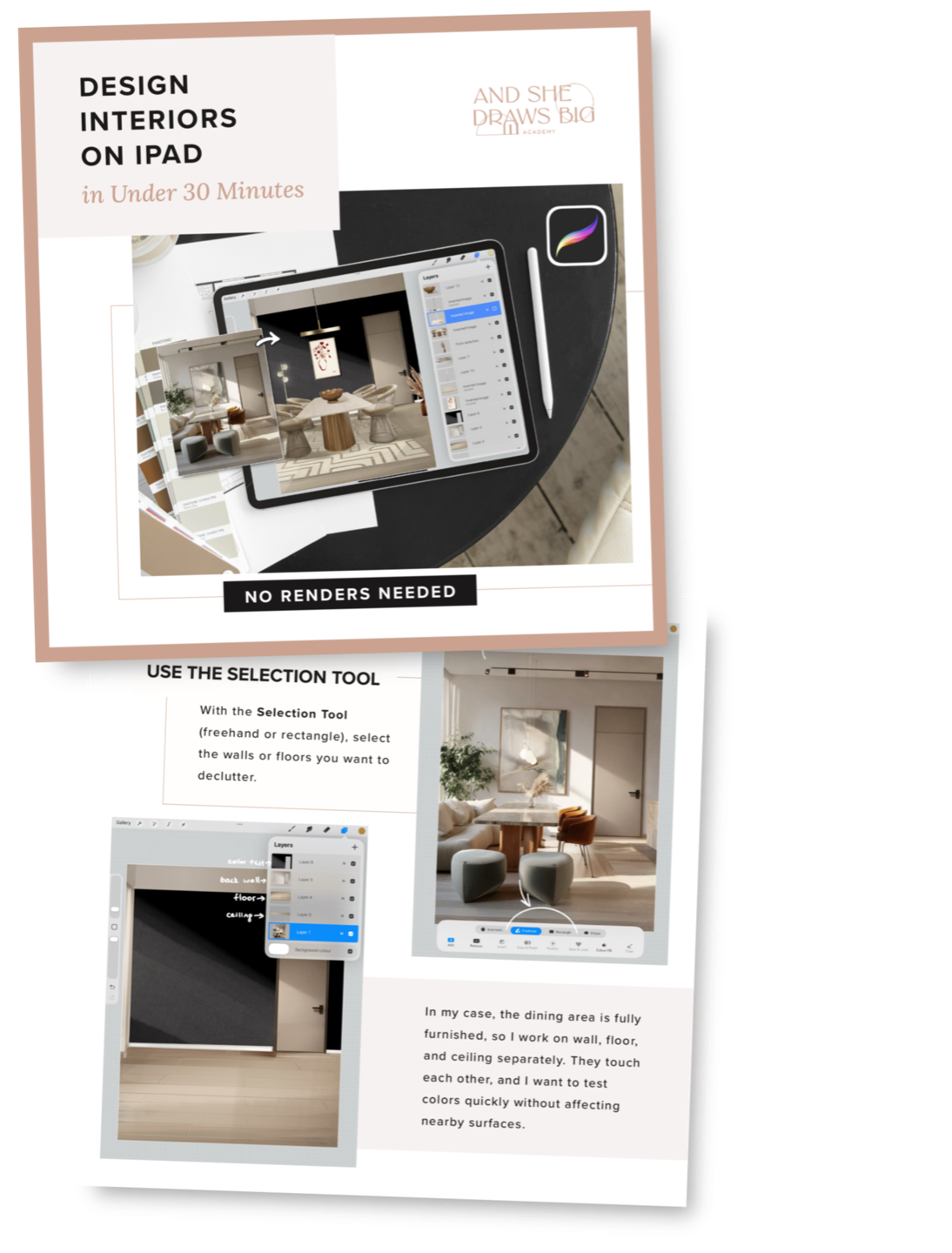
PLUS:
Keep the method beside you while you design
You'll also get the step-by-step Quick iPad Design ebook so you can follow the process without replaying lessons every time.
Get your ebook and access to the classes
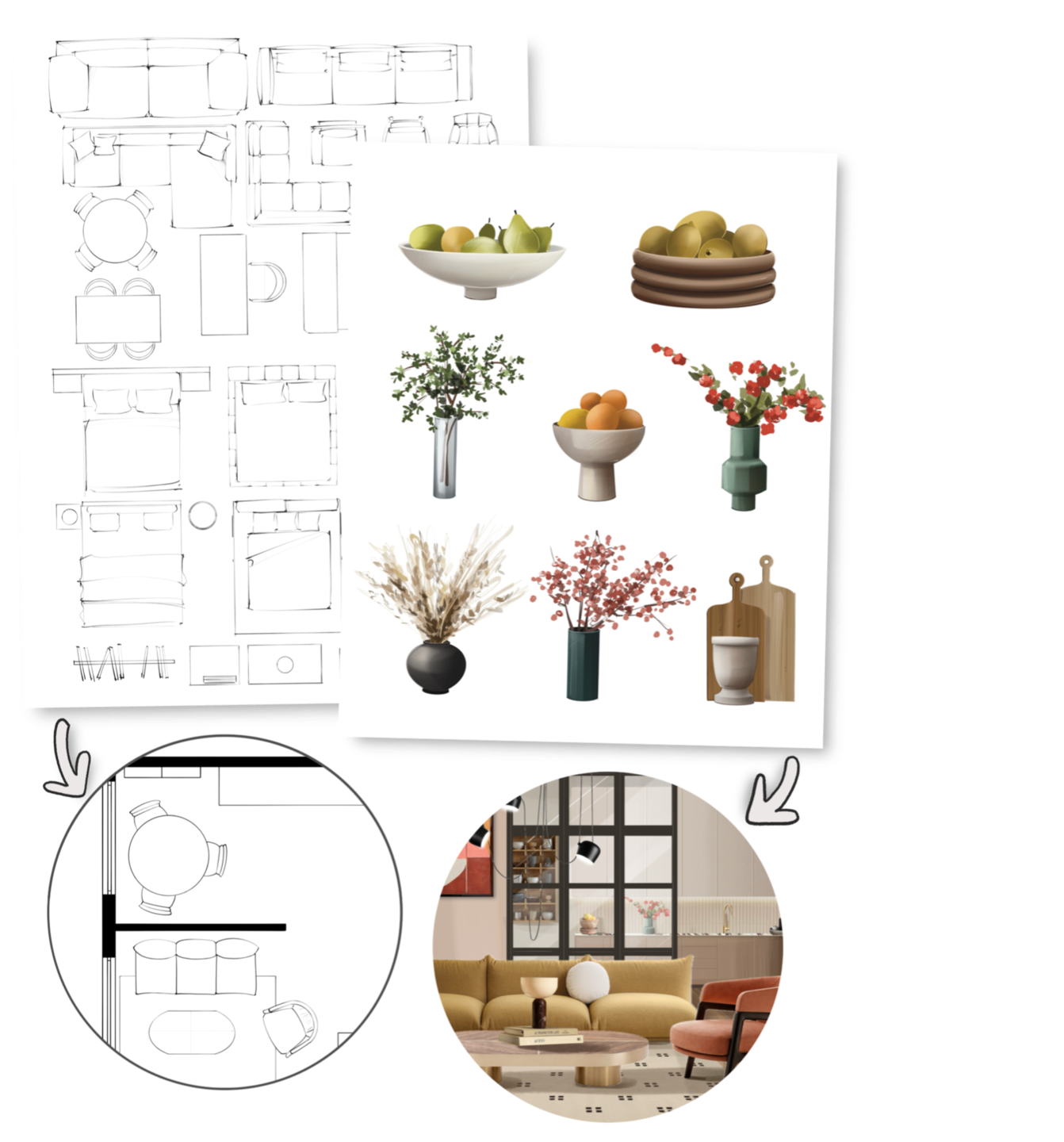
THE INTERIOR DESIGN LIBRARY
Don't want to draw everything yourself? You don't have to. Your course includes 10+ ready-to-use furniture & decor libraries that you can simply add to your design, resize, move around and combine.
Start designing on your iPad todayYou don't need to be a designer to start designing your space.
For homeowners, interior designers, and anyone who loves interiors and wants to bring their own ideas to life.
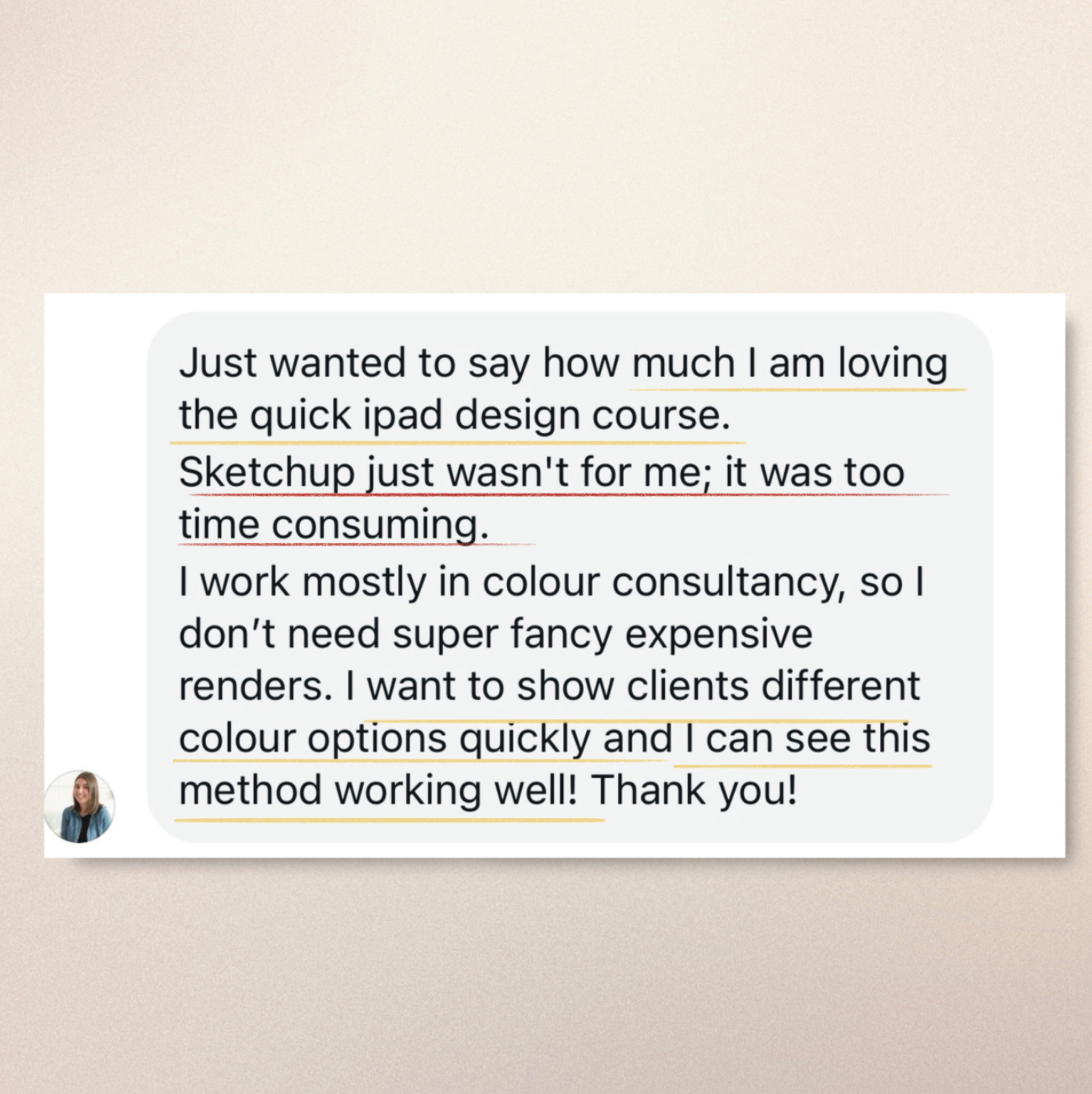
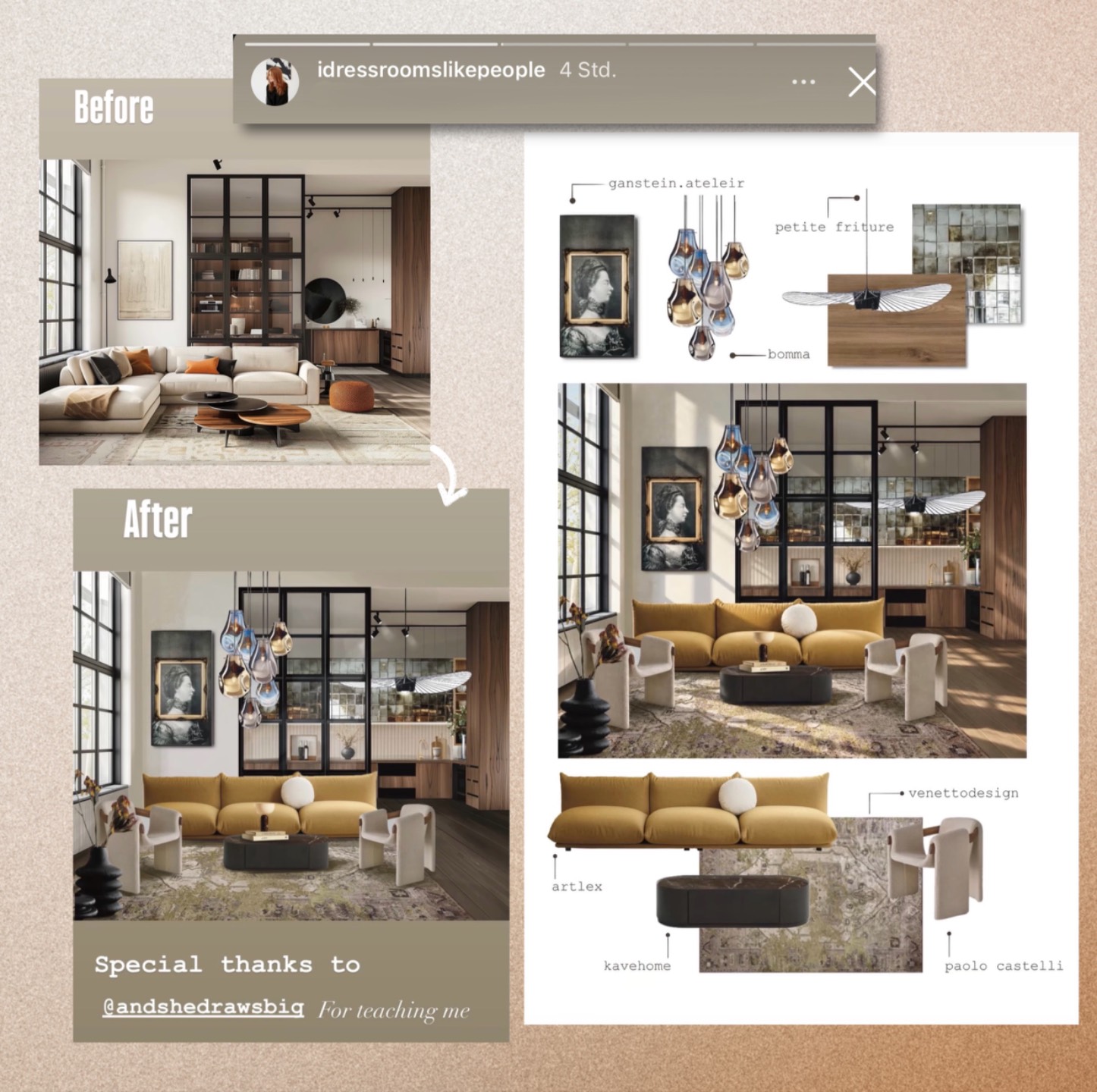
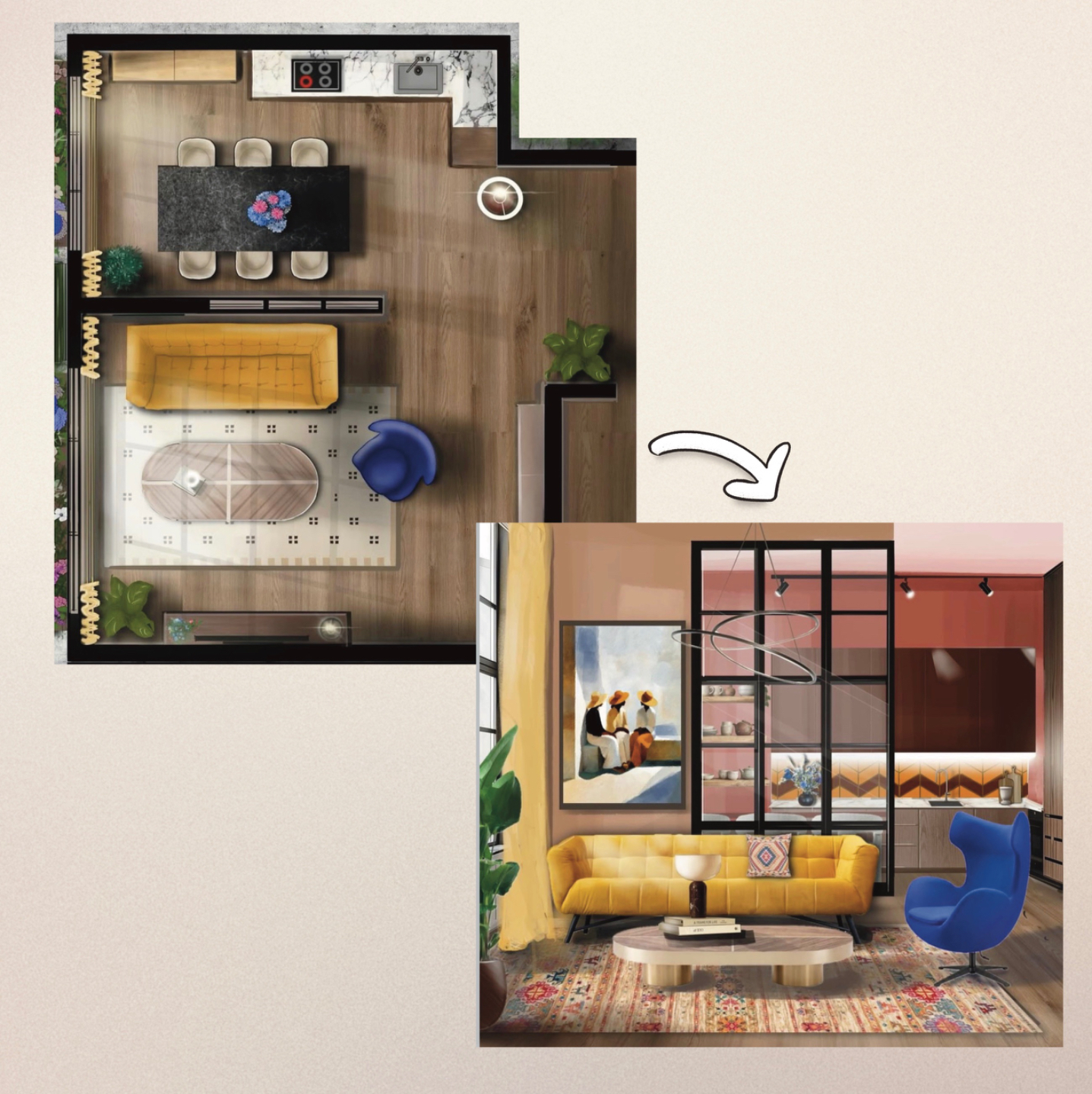
Design your space... less than a day
97€ 179€
✔ Design a complete room from start to finish
Follow the process on a real space: plan the room, test layouts, try furniture and colors, scribble ideas and bring your final concept together.
✔ 10+ ready-to-use furniture & decor libraries
Drag, drop, resize and test furniture instead of spending hours drawing everything from scratch.
✔AI integrated naturally into the process
Use AI where it actually helps: to explore possibilities, develop your ideas and turn them into more realistic visuals.
✔ 15+ short, step-by-step video lessons
No long lectures or complicated software lessons. Follow along at your own pace with focused 10–30 minute classes.
✔ Your visual step-by-step guide
Keep the method beside you while you're designing, so you don't have to keep searching through the videos.
12 months access to design, experiment & come back whenever inspiration hits.

About Your Mentor — Anna
Hi, I'm Anna — an interior designer who sketches instead of renders.
I've worked in interior design for 8+ years, drawn for more than 15, and have been using the iPad as part of my design process since 2018.
I started working this way because traditional rendering always felt too slow for the stage of design I loved most: thinking, testing and changing my mind.
To me, that stage should feel almost instant.
What if the sofa went here? What if the walls were darker? What if I tried this material instead?
I wanted to get an idea out of my head and see it immediately — without spending hours building a render just to discover I wanted to change everything again.
That's what the iPad gave me.
Not just another way to draw, but a way to plan a room, test layouts, explore colors and materials, scribble ideas, change things quickly and communicate what I'm imagining — without needing every idea to become a polished, perfect render.
And that's exactly the process I'm teaching you here.
You don't need my 15 years of drawing experience. You need a room, an idea and an iPad. I'll show you the rest.

Frequently Asked Questions
Do I need past experience in design, drawing, or be tech-savvy?
Why not simply use AI to redesign the room? Isn’t that faster?
Who is this course for exactly?
I can’t draw “perfectly” — will this still work for me?
What if I don’t have time?
Do I have to draw the furniture myself?
What tools do I need for this course?
How long will I have access to the course materials?
Will I get any support if I get stuck or have questions?
© 2026 COPYRIGHT AND SHE DRAWS BIG - All Right Reserved.
Terms of Use | Privacy Policy | Cookie Policy | Disclaimer | Impressum