
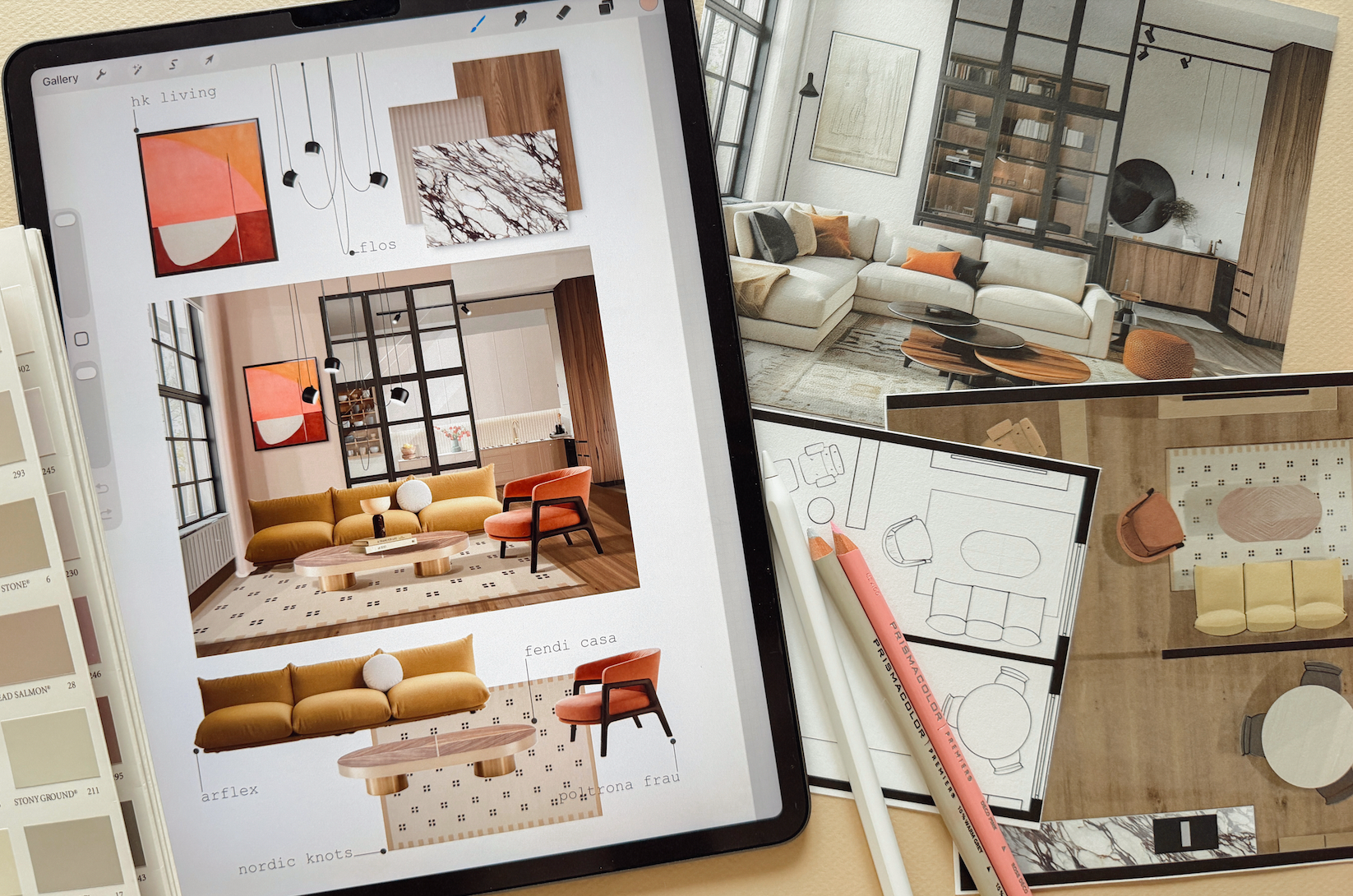
Design Your Space on iPad — Fast, Easy & Beginner-Friendly
You’re one step away from turning your iPad into your easiest interior design tool — plan your room, test your ideas and see what works before you buy anything.
Everything you need to start designing right away:
✅ 15 follow-along video lessons
Short 10–30 minute classes you can watch anytime.
✅ Complete room makeover
Follow the process from floor plan and layout options to colors, furniture, quick idea sketches and final concept.
✅ 10+ Furniture & Decor Libraries
Drag, drop, resize and test pieces — no need to draw everything yourself.
✅ AI integrated into the workflow
Explore ideas and turn your design into a more realistic visualization.
✅ Visual Step-by-Step Guide
Keep the complete method beside you while you work.
✅ 12 months access
Come back whenever you're ready to design another space.
No previous experience in drawing, design, Procreate, or AI needed. Everything is explained slowly, clearly, and practically.
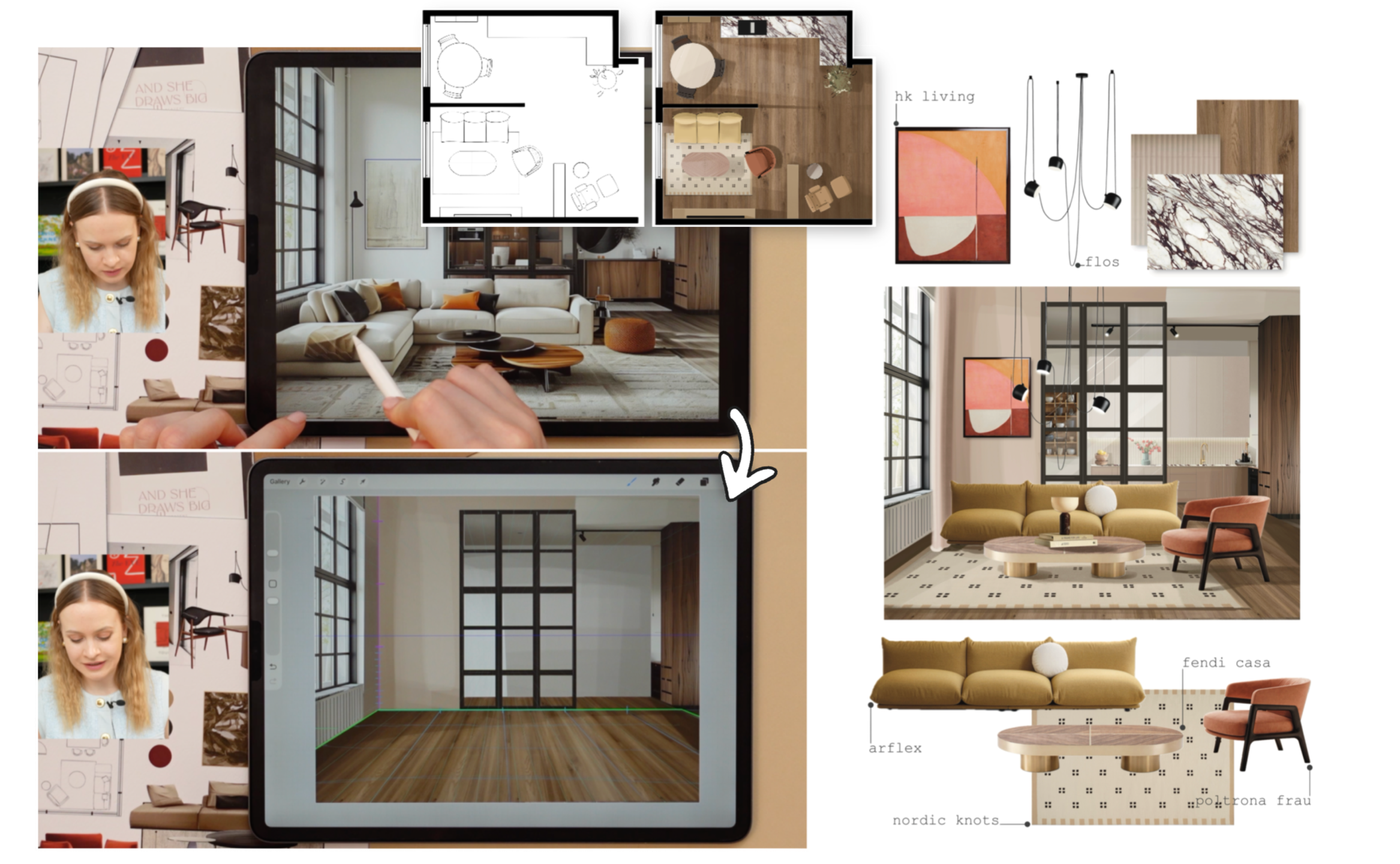
A note from your mentor
This mini course is exactly what I was looking for but could never find years ago. It's the result of a lot of learning, practicing, and professional experience that you don't need to go through. I've condensed it all into 15 quick and easy classes, so you can get the results you want without the cost, frustration and time spent you don't want.
One rule before we start: don’t aim for perfect.
We’re not creating artwork here. We’re using the iPad to think, test and make design decisions.
If your sketch helps you look at an idea and say “yes, this works” or “no, let’s try something else,” it has already done its job.
Your design doesn’t have to look perfect. It has to help you see what works.
— Anna
