The iPad in everyday life: content, drawing & more
Feb 06, 2026
How can one small device replace so many services AND costs at the same time?
And no, I’m not just talking about drawing your designs, testing ideas, or experimenting with colors quickly and on the go. I’m also talking about content creation, marketing, web design, newsletters… and so much more. That’s exactly what we’ll be exploring in today’s newsletter!
A quick shoutout to Mishelle, whom I’ve been chatting with in my Instagram DMs about drawing. She mentioned that she’s owned an iPad for three years, and that conversation is actually what inspired this newsletter ;) My iPad is mostly used for drawing and design projects like the ones below, but today, I want to open the door to all the other ways it supports my daily work, with step-by-step hacks you can apply to your own routines too.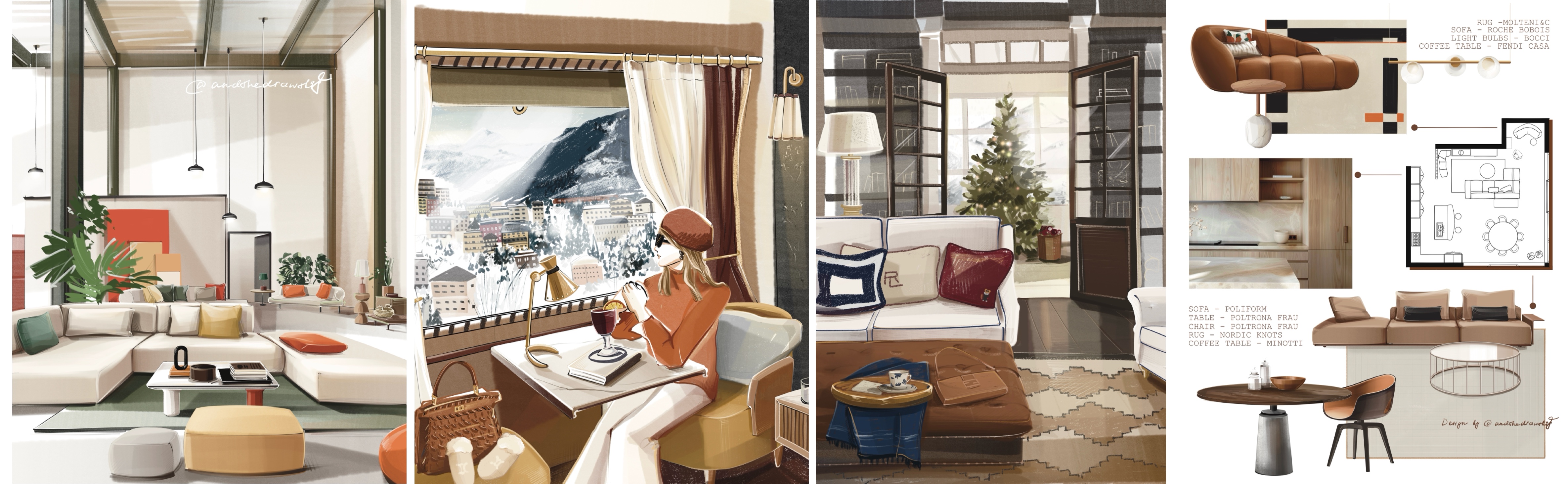
Social media posts & stories
You tell your story visually through design, add hand-drawn elements, and suddenly there’s no need to hire anyone else, you know the shortcut (and yes, you save money, which matters!).
First, we choose the size of the post or story.
Then, we create guidelines, either with a 2D grid or diagonal lines.
(ASDB students, I know you know exactly what I’m talking about 😉)
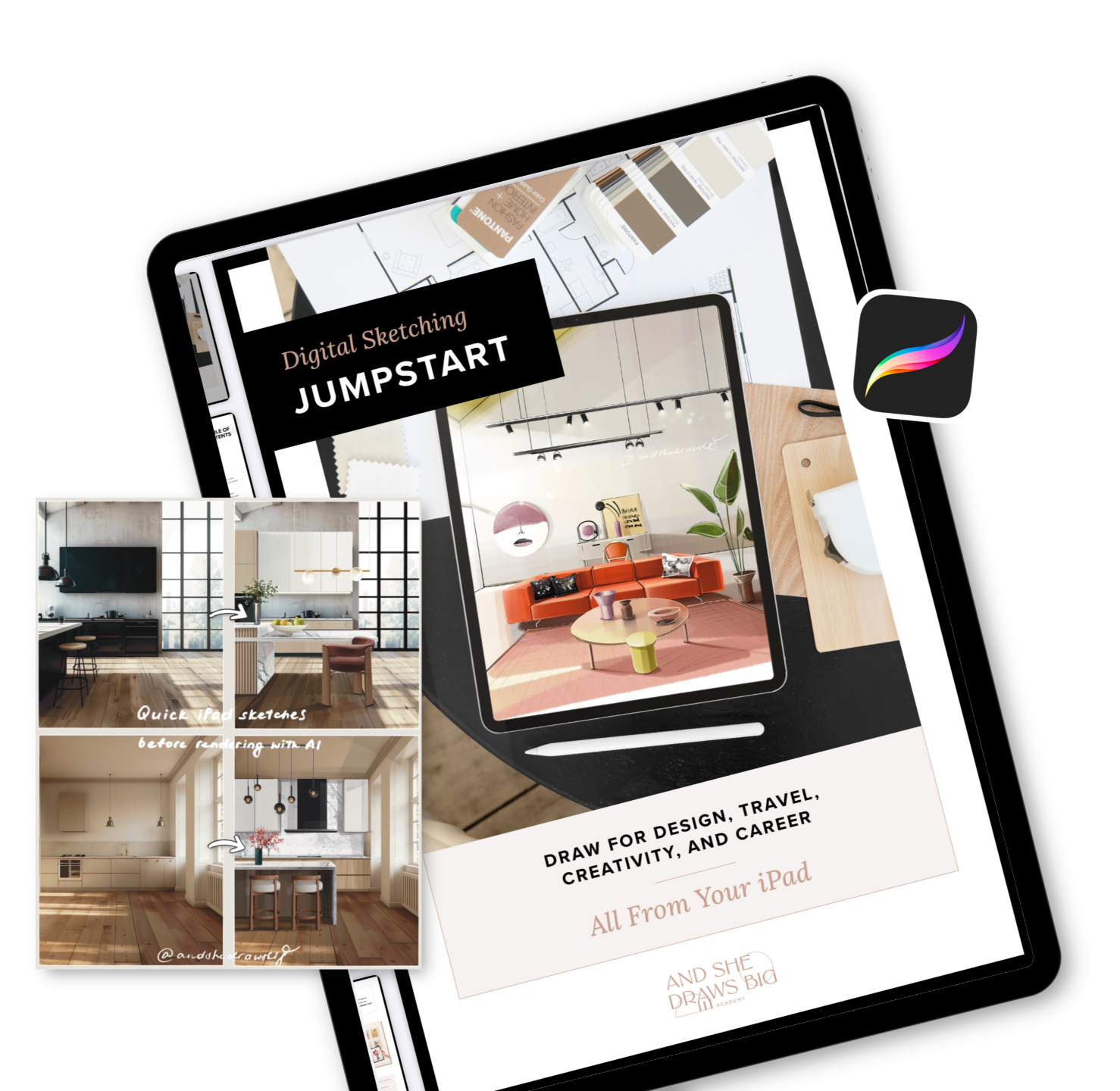
And if you’re reading this and want to feel truly free with your drawings and ideas in Procreate: we’ve just opened the doors to a brand-new program inside the Academy called Draw Your Ideas to Life. You can check it out HERE.
Next step: bring in your visuals and add hand-drawn elements.
Voilà!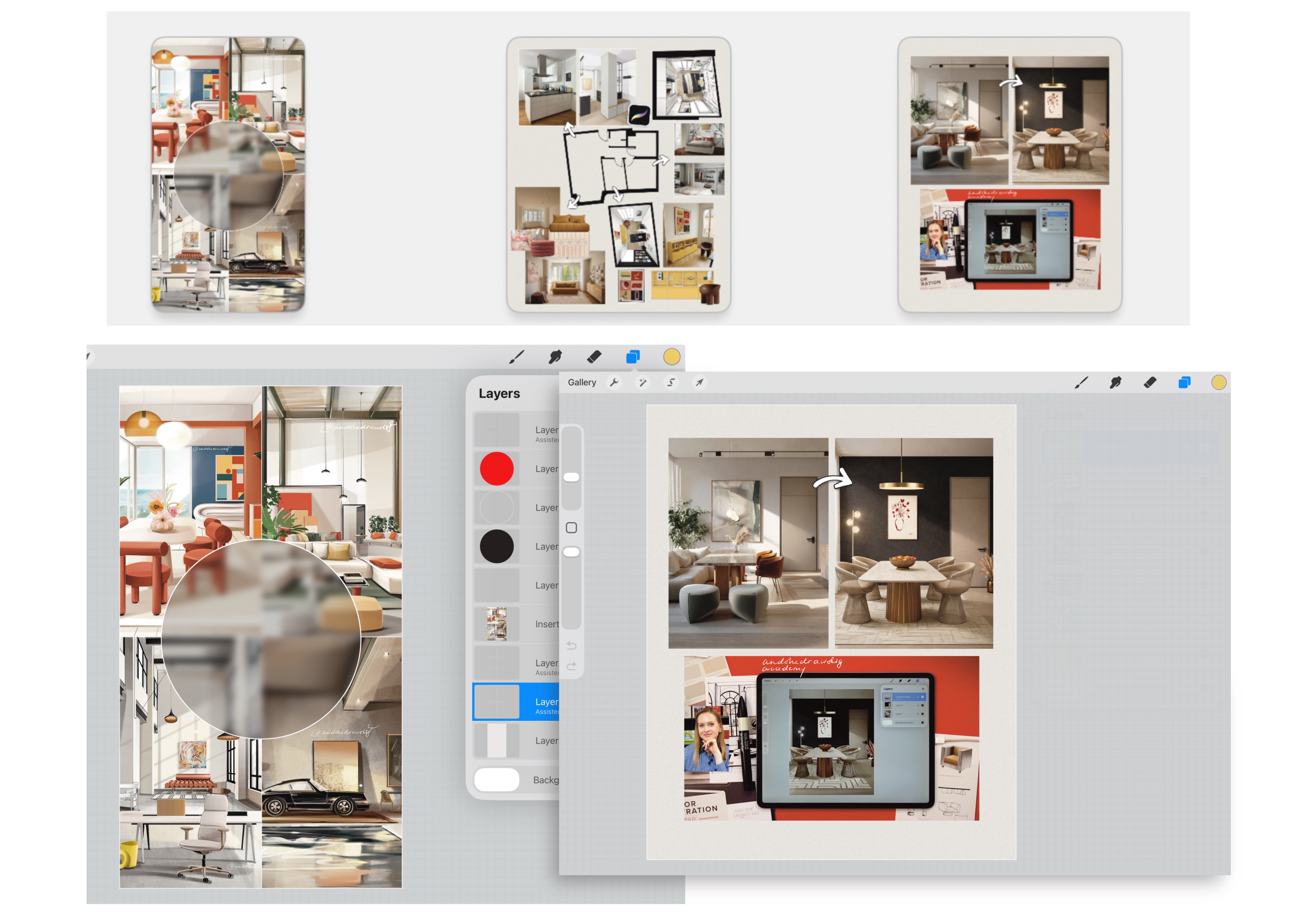
Thumbnails
Here’s my personal thumbnail hack:
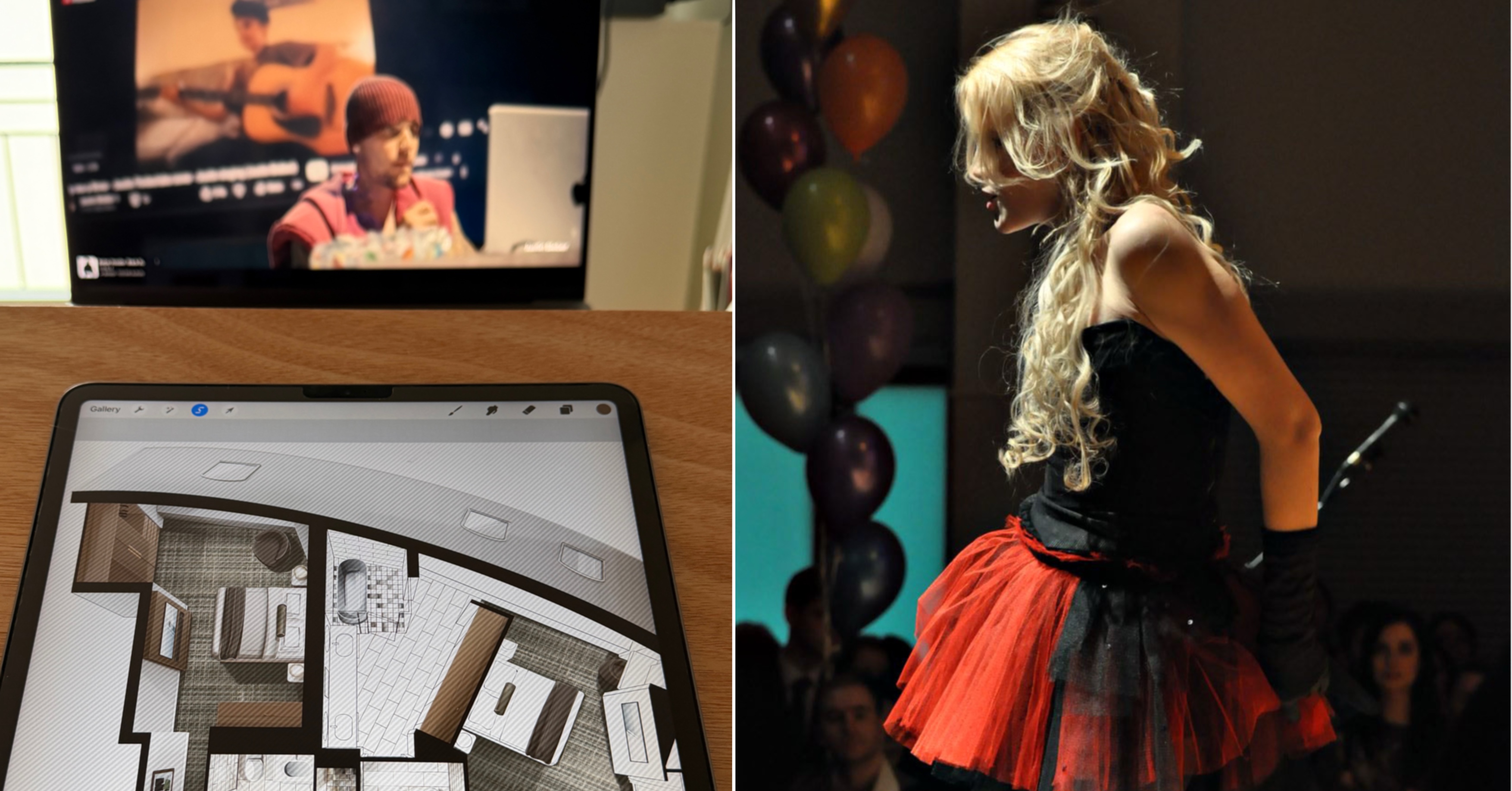
I record a short video of myself - moving, smiling, whatever feels natural. Then I generate backgrounds using AI. In Procreate on my iPad, I remove the background from a screenshot taken from the video and merge the two images together.
That’s exactly how I created my current main Instagram image.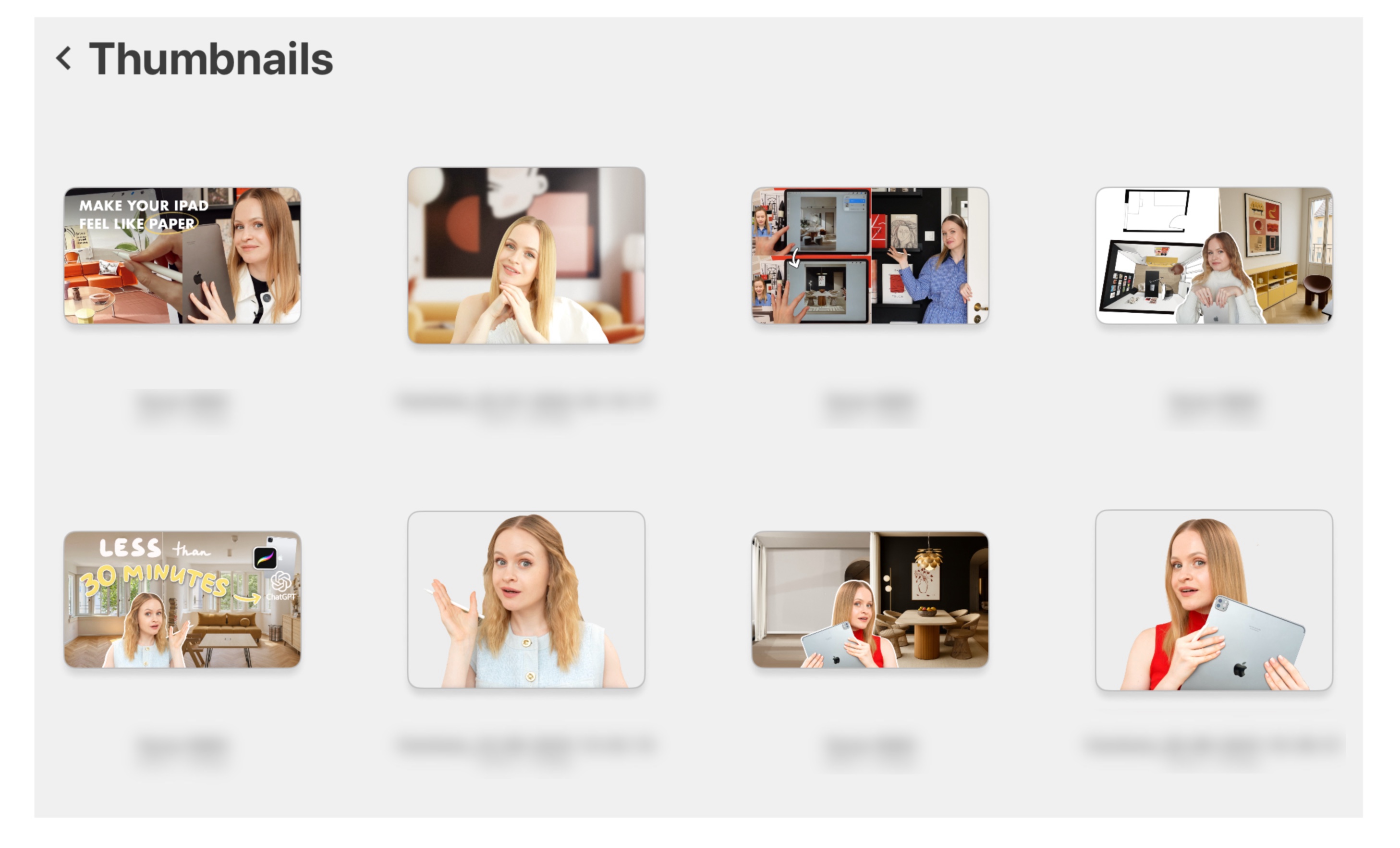
Architecture & Design Concepts
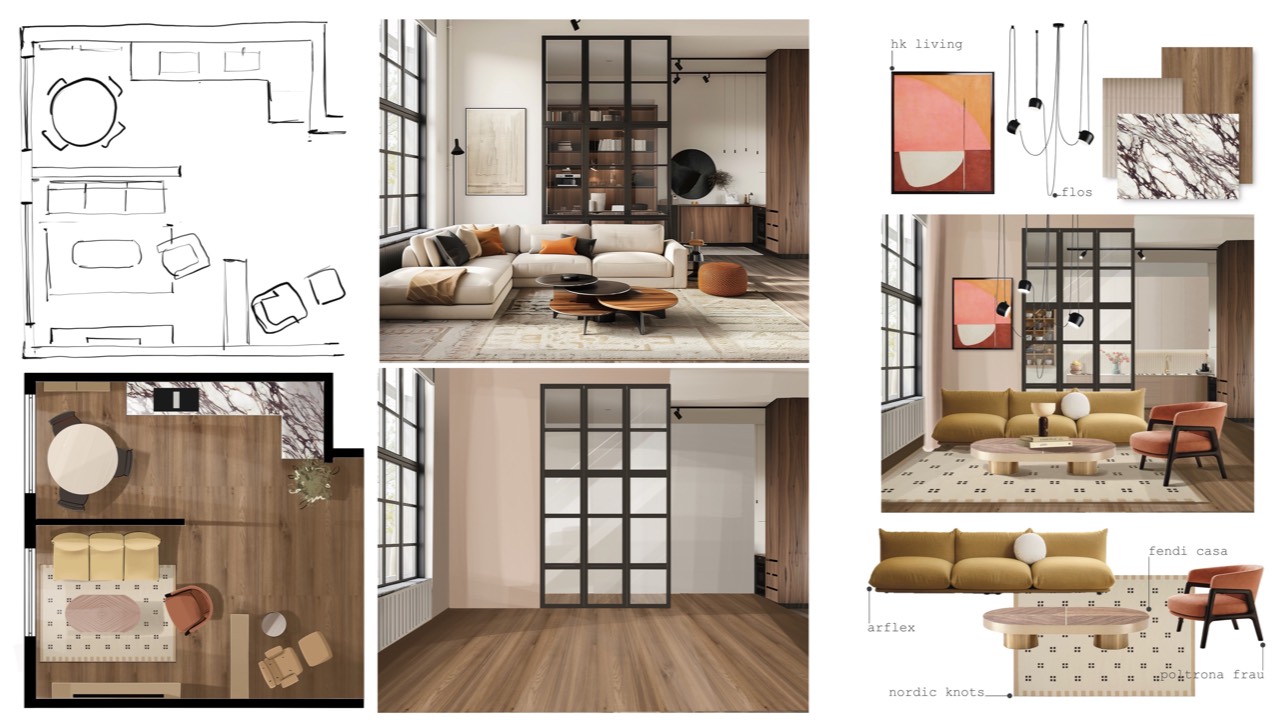
Quick architecture and design concepts are another big one. This comes from my time working with commercial clients. I used to enthusiastically show friends and my partner how powerful the iPad was for ideas, and eventually, they asked me to experiment with theirs too!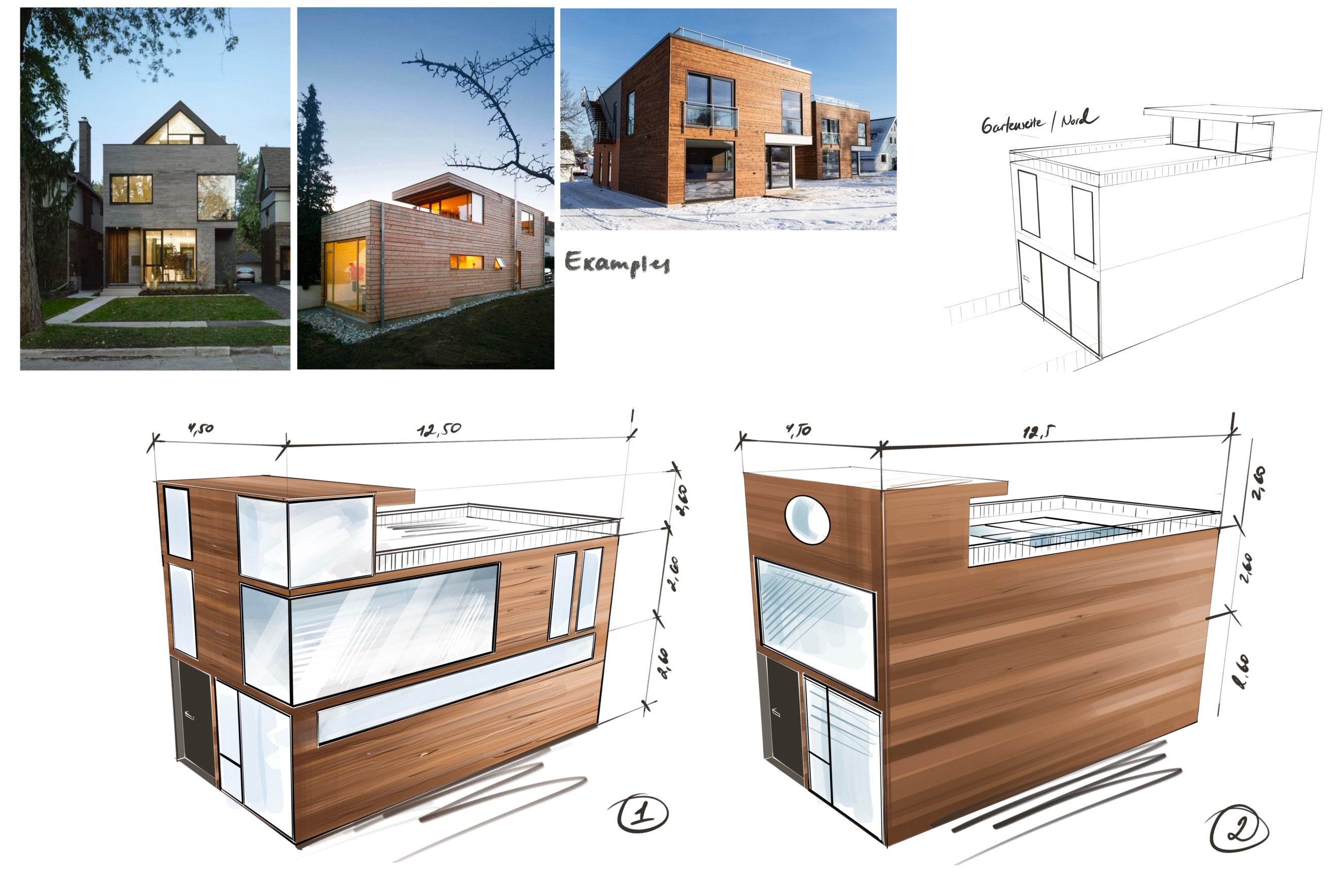
Banners for emails, no matter your niche.
The process is similar to content creation: choose the right size, then create the visuals. That’s exactly how the banner for today’s newsletter was made 😉 As I’m writing this, I’m already feeling inspired to film a separate, in-depth tutorial on all the external ways you can use your iPad for your projects, step by step, including brushes.
This tutorial will be available inside my Academy for ASDB students, at no extra cost. I’d love to invite you to join our creative space HERE.
Enjoy your weekend! Make sure to design and draw something special, we’ll speak again soon. I’ll be drawing and painting as well, straight from my head, as I’m starting a new collection of hand-drawn memories of spaces and dreams. First on my iPad… and then on canvas.
Because once you know how to draw... nothing can stop you from creating.
With big drawing energy,
Anna
Out of the Box Creative Mindset: ASDB blog series
This blog is a treasure trove of insights, tips, and inspirations, inviting you to explore the transformative power of an out-of-the-box creative mindset. Discover how creativity shapes spaces, sparks innovation, and empowers your approach to digital drawing. Welcome to a space where creativity knows no limits!
Start exploring: